Website maintenance keeps a site secure, fast and working after launch: updates, backups, uptime monitoring, security and small content edits. Here is what it covers and what a good maintenance agreement looks like.
Website Maintenance: What It Covers and Why You Need It
Website maintenance is the ongoing work that keeps a site secure, fast and working after launch: updating the system and plugins, backups, uptime monitoring, security and fixing errors.
A site nobody maintains does not stop working right away. Problems pile up quietly: a plugin that has not been updated for a year, a certificate about to expire, a form that no longer sends messages. By the time someone notices, the damage is usually done.
This matters most for sites built on WordPress and similar systems, where the site depends on many plugins from different authors. Each of them receives fixes, and every outdated plugin is a possible weak spot.
Below is an overview of what maintenance actually includes, what happens without it and what to ask for in the agreement, whether you maintain the site yourself or hand it over to someone.
IT Expert is a team from Belgrade that handles website development, SEO and maintenance in one place. You work directly with the developers, with no middlemen.
The content management system, plugins, themes and server software get security patches that need to be applied on time and checked so nothing breaks.
02Backups
Automatic copies of the database and files, stored away from the server the site runs on. A copy on the same server does not help if that server fails.
03Uptime monitoring
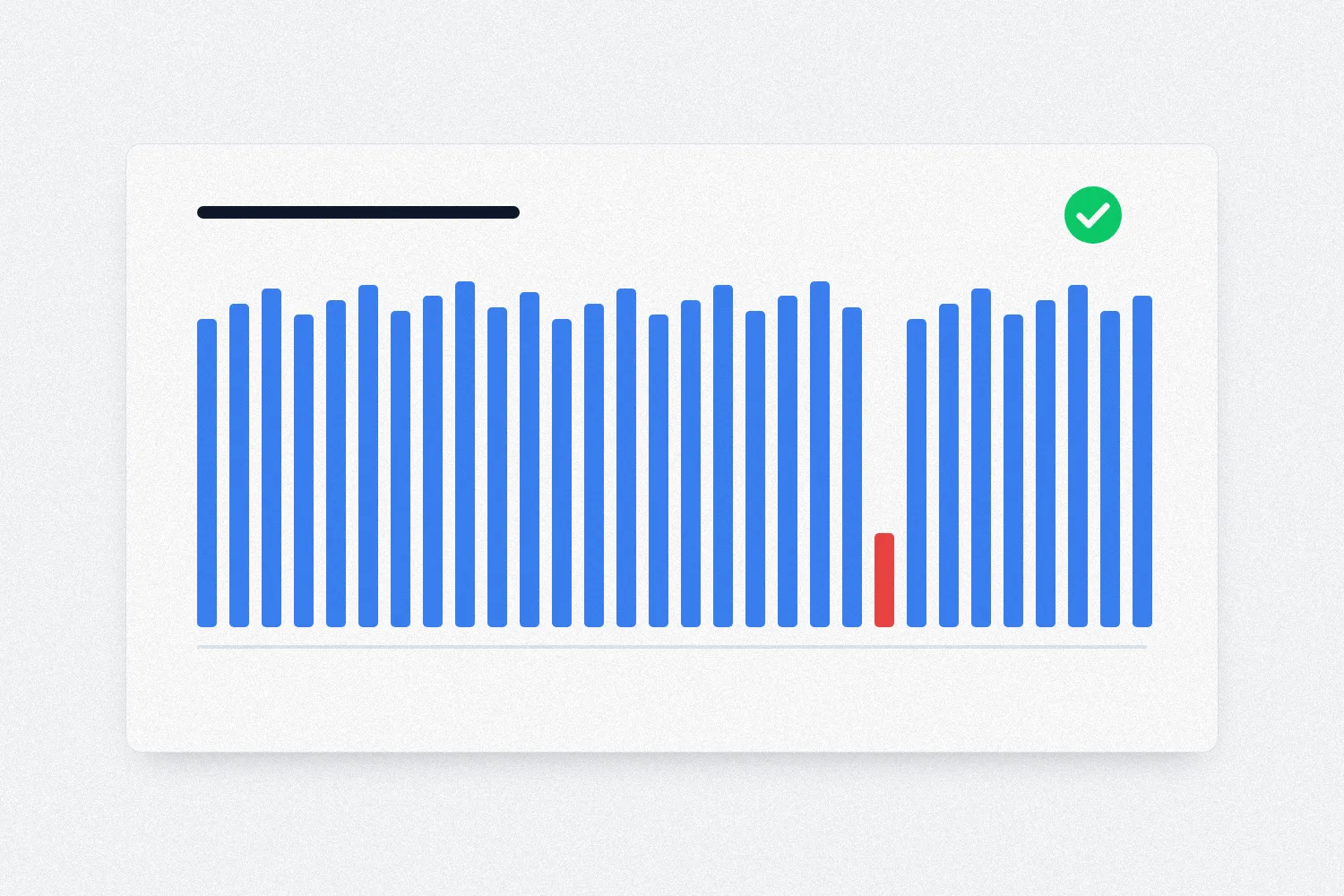
A tool checks whether the site is up and alerts you as soon as it goes down, so you do not hear about it from a client who could not find you.
04Security
A valid SSL certificate, protection of forms against spam and bots, checks of suspicious logins and files on the server.
05Speed
Image optimization, caching and database cleanup. A slow site loses visitors, and speed also affects rankings in Google search.
06Small edits
A new price, new opening hours, a new photo or text. Agree in advance how many edits are included and what is billed separately.
What Happens When Nobody Maintains a Website
The worst case is a hacked site. An attacker uses a known hole in an old plugin, and the site starts sending spam or redirecting visitors to shady pages. Google and browsers may then show a warning that the site is dangerous, and visitors leave before it even opens.
Another common problem is an expired SSL certificate or domain. The site practically disappears overnight, and the browser shows visitors a warning instead of your home page.
The third is quiet breakage. After a server or PHP update something stops working, and nobody knows what changed or when. Without a backup there is no quick way back to a version that worked.
The sneakiest one is a contact form that has not sent messages for months. The owner thinks nobody is writing, while inquiries actually get lost somewhere between the site and the inbox.
Each of these problems is far cheaper to prevent than to fix. A regular review takes little time, while cleaning a hacked site and regaining the trust of search engines takes much longer.
A good maintenance agreement is written clearly, so you know what you are paying for. Before signing, ask for it to state how often backups are made and where the copies are stored.
Check how quickly problems are handled and during which hours. IT Expert works Monday to Friday from 9:00 to 17:00, and you can reach us at kontakt@itexpert.rs.
Make it clear what is included and what is billed separately, for example larger design changes, new pages or content writing.
Ask for a periodic report as well: what was updated, whether there were attack attempts, how speed is holding up. Without a report you cannot tell whether maintenance is being done at all.
For website maintenance we prepare a quote after reviewing your site, because a three-page static site and a large multilingual platform have different needs. If you also need support for the computers in your company, monthly IT support packages start at 1,990 RSD (Basic package).
Maintenance in Practice: Examples From Our Projects
Maintenance is more than putting out fires. Part of the job is making the site better over time, so it improves instead of merely not falling apart.
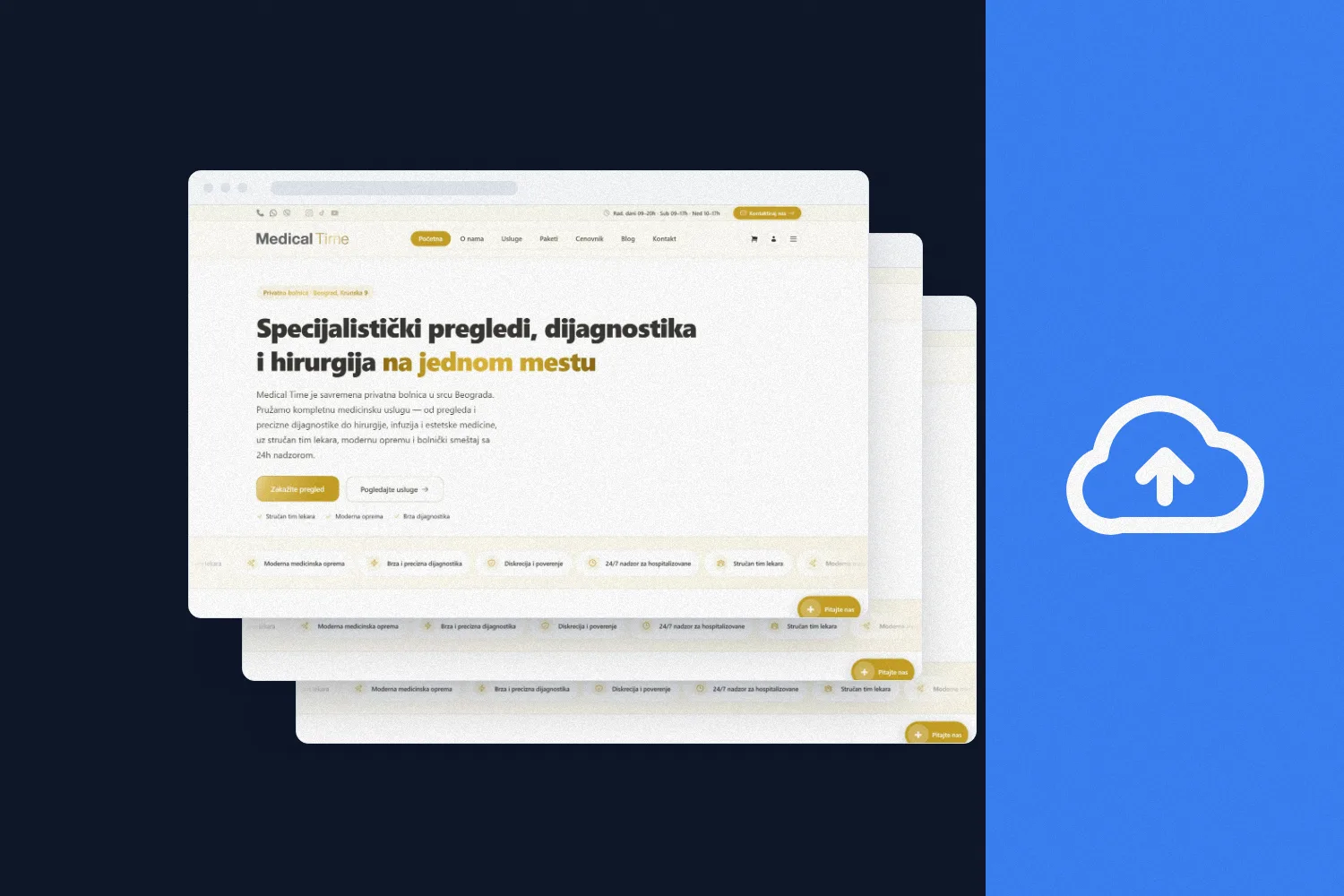
On the website of the private hospital Medical Time, a technical review and fixes raised Semrush Site Health from 90% to 98% in one week, and the number of errors dropped from 6 to 0.
For the Mango pastry shop in Zemun we set up automatic photo preparation for the web: an 8 MB photo becomes 60 to 120 KB, and the owner just uploads the original. The site stays fast even when the content changes often.
The static site of the painting firm Stanke Enterijer has no server or database, so there are no plugins to update, and hosting costs nothing. That is a maintenance decision too: some sites are built from day one to need as little maintenance as possible.
Why Leave Website Maintenance to IT Expert
01Direct access to developers
You talk to the people who work on your site and understand both technology and business, with no middlemen.
02Regular security reviews
Updates and checks are done on a schedule, not only after something breaks.
03Backups and monitoring
Backups and uptime monitoring are part of the maintenance service.
04Fast reaction
When a problem appears, you contact a team that already knows your site.
05Continuous improvement
Speed, SEO and user experience keep getting better, with measurable results you can see in our portfolio.
06Everything in one place
Consultations, websites, digital marketing and technical support, without being passed between several companies.
Frequently Asked Questions About Website Maintenance
Updating the system and plugins, automatic backups, uptime monitoring, security, speed and small content edits. The exact scope should be written in the agreement.
You can, if you have the time and know what you are doing. The biggest risk is updating without a backup: if something breaks, you have nothing to restore the working version from.
It depends on how often the site changes. A shop or blog that changes daily needs more frequent copies than a site that rarely changes. What matters is that copies are stored off the server and that restoring from them has been tested.
Basic technical health, yes: speed, working pages and the certificate. Content writing and ranking work are a separate service. We cover that in our article on digital marketing for small business.
Send us the site address. We first look at what it is built on and what state it is in, and then you get a recommendation and a quote for maintenance.
The price depends on the size of the site, the system it runs on and the amount of edits, so we prepare a quote after reviewing the site. Request a quote through the contact page.
Do not delete anything in a hurry. Change the passwords for the admin panel and hosting, check whether a clean backup exists and contact someone who can clean the site and close the hole the attacker used.