Your Business Runs on Excel Spreadsheets: When It Is Time for a Custom App

It is time for a custom app when the spreadsheet is no longer used by one person but by the whole company: when the same data is typed in two places, when nobody is sure which version of the file is the latest and when mistakes are found only after they reach the customer. While one person keeps a spreadsheet for their own work, Excel is a perfectly good tool.

Most businesses do not start with an app, and that is fine. It starts with one spreadsheet for orders, then one for stock, then one for service jobs. Two years later there are ten files, three colleagues who know which one is right and emails titled "final, corrected".

The question "how much does it cost to build an app" usually comes up right at that point. The honest answer is that the price depends on what the app has to do, so it helps to know first what the spreadsheets really cost you today: time, mistakes and missed work.

Below is a list of signs owners recognize most often, what changes when the data moves into an app, what drives the cost of building one and when you are better off staying in Excel.

IT Expert from Belgrade builds custom software in its own code (Laravel, Nuxt, Flutter). After the first conversation you get a written scope, and you choose whether we do the work or someone else does.

Checklist with four ticked and two empty boxes

Seven Signs Excel Has Become a Bottleneck

If you recognize three or more items on this list, spreadsheets are already costing you more than you think. Each one means someone in the company spends time copying, checking or searching instead of working.

  • You type the same data twice: once in the spreadsheet, once in the invoice or the accounting software.
  • There are several copies of the same file and you cannot be sure which one is the latest.
  • When someone deletes a row or a formula, you notice only when the numbers do not add up.
  • Everyone sees everything: salaries, purchase prices and customer data, because the spreadsheet does not know who may see what.
  • One person builds the month-end report by hand, and when they are on holiday there is no report.
  • Colleagues in the field report data by phone or message, and someone types it in later.
  • A customer asks about an order and the answer means opening three files.
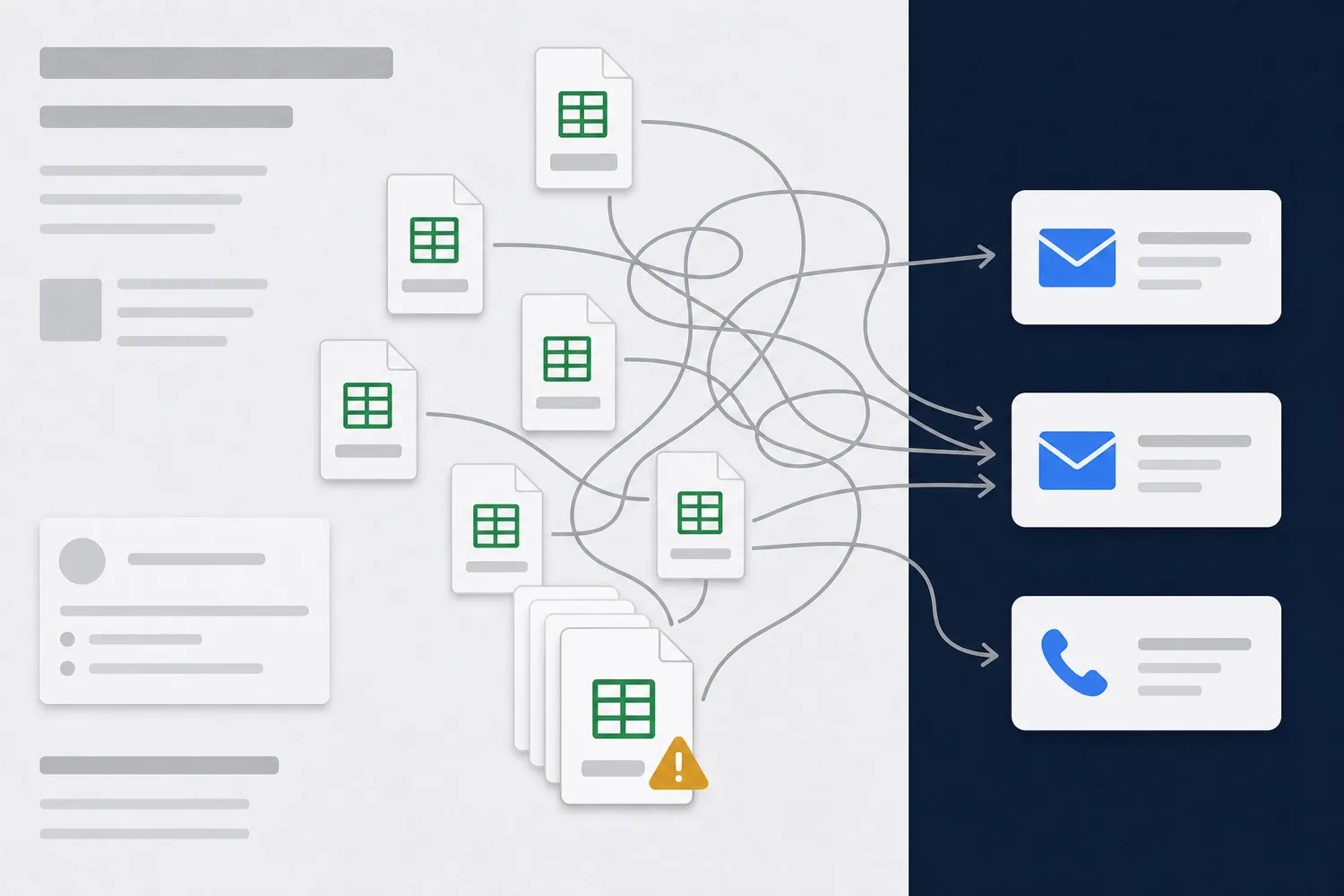
Several copies of the same Excel file tangled with arrows to emails and a phone

Why a Spreadsheet Works for One Person but Not for a Company

Excel was built for calculation and analysis, not for running the work of several people at once. Microsoft 365 now lets several people edit the same file, but the spreadsheet still does not check whether the right customer was entered, whether the goods are really in stock or who changed the price.

The problem is usually not Excel itself but how the file travels. It gets emailed, copied to a USB stick, saved on two computers. Each copy becomes its own truth, and reconciling them falls on someone who should be doing something else.

The second issue is permissions. It is hard to hide one column from one colleague in a spreadsheet, and easy to send the whole file with customer data by accident. When personal data is involved, that is not just untidy, it is also an obligation under Serbia's Personal Data Protection Law.

The third issue is history. When a work order status changes in an app, there is a record of who did it and when. In a spreadsheet only the new value remains.

What a Custom App Changes in Daily Work

01One entry

Data is entered once and everyone who needs it sees it right away, from the warehouse to accounting. No copying and no arguing over which version is right.

02Roles and permissions

Sales sees their customers, the warehouse sees stock, the owner sees everything. Each person gets a screen with what they need, without columns they should not touch.

03Reports without effort

The month-end report, open orders or results per colleague come with one click, from the same data people enter during the day.

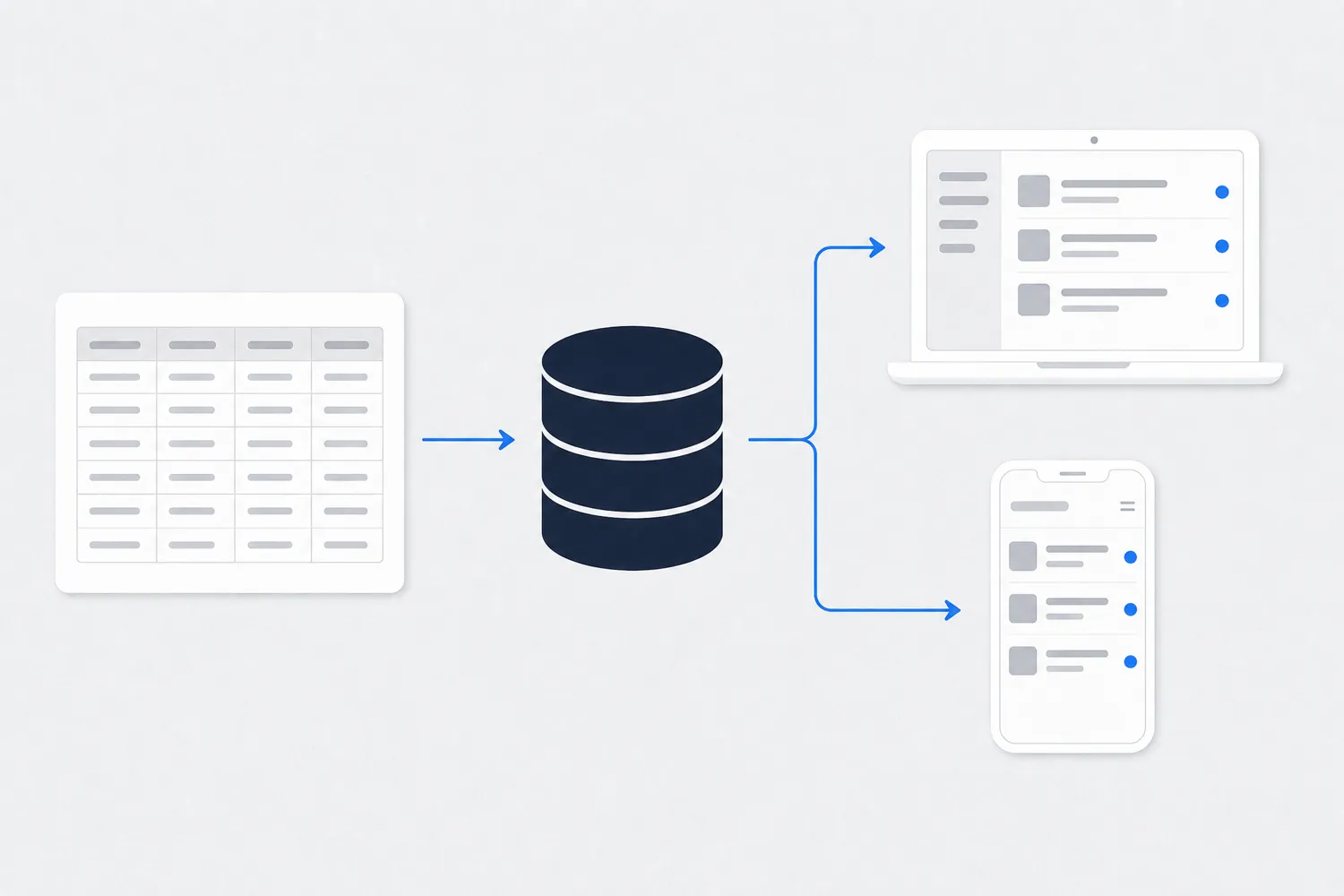
Diagram: an Excel spreadsheet moves into a database used by a laptop and a phone

What Moving From Spreadsheets to an App Looks Like

The data from your spreadsheets moves into a database, and the app is what people see: entry forms, lists, search and reports. You do not throw the existing spreadsheets away. Customers, products and history are imported from them, so on day one you work with data you already have.

The app opens in a browser on a computer and, when needed, on a phone or tablet. A colleague in the field logs a job on site, and the office sees it immediately.

The app can connect to software you already use, such as your accounting software, Serbia's e-invoicing system (SEF) or your website and online shop. We decide together at the start what gets connected, because a lot of the scope depends on it.

It does not have to happen all at once. Most projects start with the part that hurts most, such as work orders or stock, and the rest is added once the first part is in use.

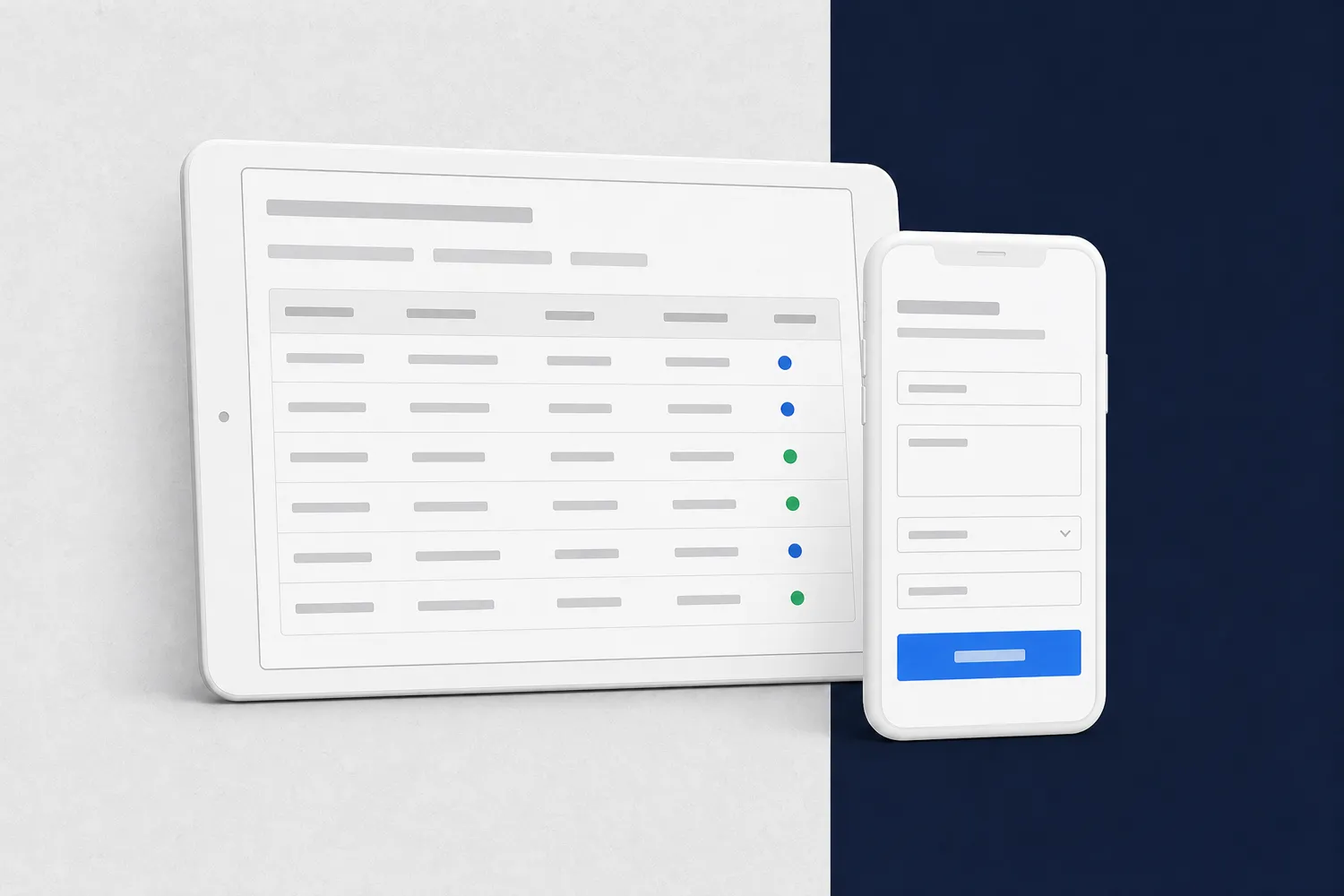
Tablet with an orders table and a phone with a work order entry form

How Much Does It Cost to Build an App and What Drives the Price

The price of a custom app depends on its scope: how many different screens and roles it has, how many rules the business has and what the app must connect to. That is why we do not quote it off the cuff. You can see our packages and what they include on the packages page, and we give an exact quote after a conversation and a written scope.

The price is driven most by the number of roles (who uses the app and what they may do), the number of processes (orders, stock, service, invoices), connections to other software and whether you need a separate phone app or a web app that also works on phones is enough.

Colors and design matter less than how clear your rules are. If everyone knows who approves an order and what happens when an item is out of stock, the work goes faster. If it depends on who is in the office that day, the rules get agreed first and the code comes after.

Also plan for maintenance after launch. An app holding company data is monitored daily, and security patches go in as soon as they are released, not once a month.

A good way to keep the cost under control is to build the smallest version that solves the main problem first. Once it is in use, the next parts are planned on what you learned, not on assumptions.

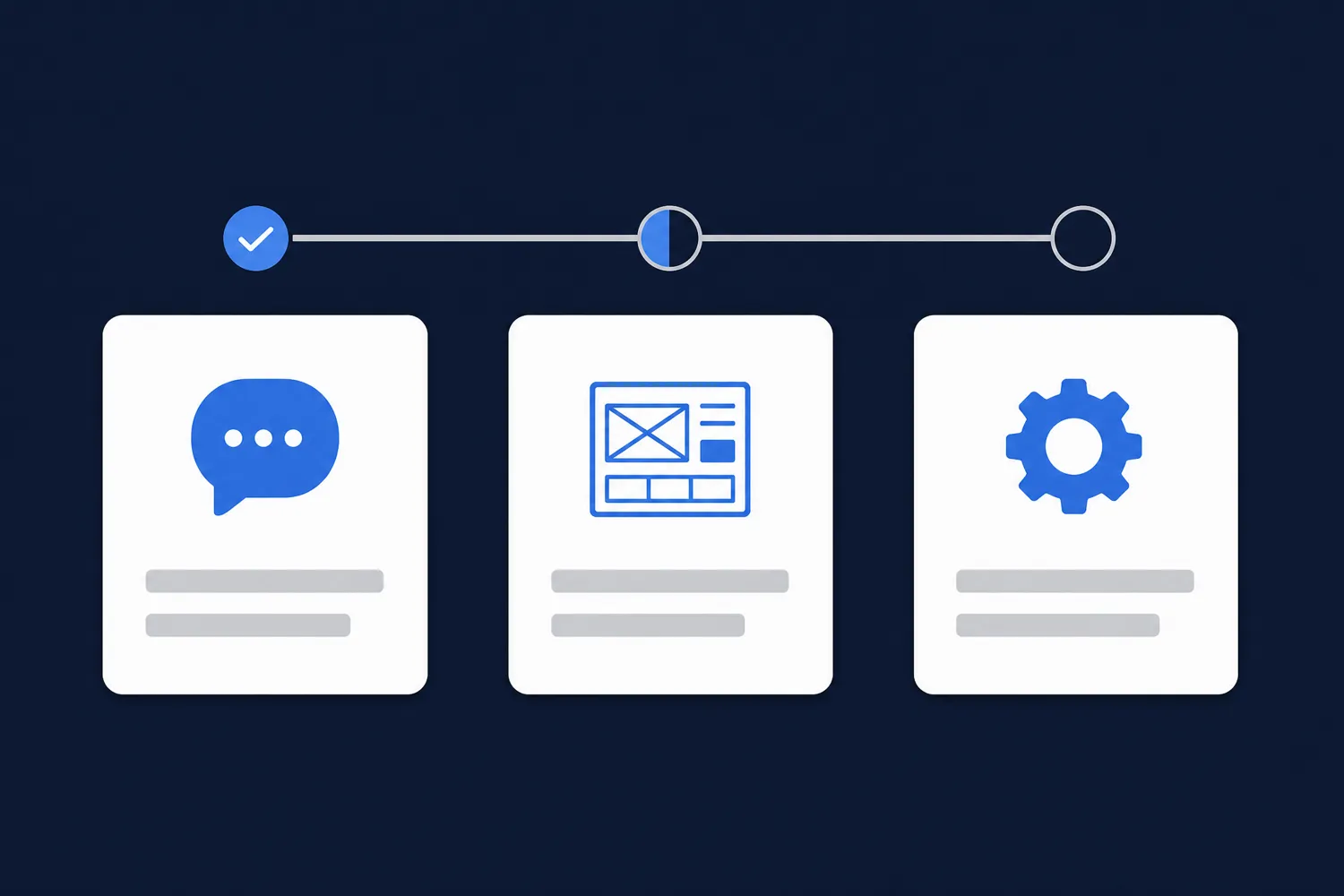
Three cards in a row with conversation, sketch and settings icons connected by a progress line

How Development Goes, From First Talk to First Day of Use

A custom app is built in steps, and after each step you see something concrete and can say what is wrong.

  1. Conversation: we go through your spreadsheets and how the work really flows, not how it should flow.
  2. Scope: you get a written list of screens, roles and connections with an estimate. This is when you choose whether IT Expert or someone else does the work.
  3. Sketch: before any coding you see what the screens will look like and the order of steps.
  4. First part: the part that hurts most is built, with your real data imported from the spreadsheets.
  5. Rollout: colleagues work in the app, and the spreadsheets stay as a backup for a while.
  6. Maintenance: daily monitoring, patches as soon as they are released and improvements as the business grows.

When You Are Better Off Staying in Excel

If one or two people keep the spreadsheet, the data rarely changes and a mistake does not cost much, you probably do not need an app. It is better to tidy the spreadsheet: lock the formulas, add drop-down lists and keep the file in one place in the cloud.

The same applies if the business still changes from month to month. An app works well when the rules are reasonably stable. While you are still finding the right way of working, a spreadsheet is more flexible and cheaper.

Sometimes the answer is ready-made software: for accounting, invoicing or scheduling there are products that cover the usual work. A custom app makes sense when your way of working does not fit a ready-made product or when several programs need to work as one.

Frequently Asked Questions About Moving From Excel to an App

It depends on the number of screens, roles, processes and connections to other software. You can see our packages on the packages page, and we give an exact price after a conversation and a written scope, once we know what the app has to do.
No. Customers, products, orders and history are imported from your spreadsheets into the database, so on day one you work with data you already have. The spreadsheets are reviewed before import, because that is usually when duplicates and errors show up.
For most businesses a web app that runs in the browser, on computers and phones, is enough. A separate phone app makes sense when people need to work offline, use the camera for scanning or receive notifications on the phone.
Yes, and we usually recommend it. The part that hurts most is built first, such as work orders or stock. Once it is in use, the next parts are added on the same database, without entering data again.
An app holding company data needs daily monitoring, backups and security patches as soon as they are released. IT Expert or another company of your choice can do that, and you get the documentation and access to the code.