Google Business Profile for Serbian Businesses: Getting on the Map

To add your business to Google Maps, create a free Google Business Profile (formerly Google My Business) at business.google.com/add, enter your exact business name, category and address or service area, and complete verification. You can only reply to reviews once the profile is verified.

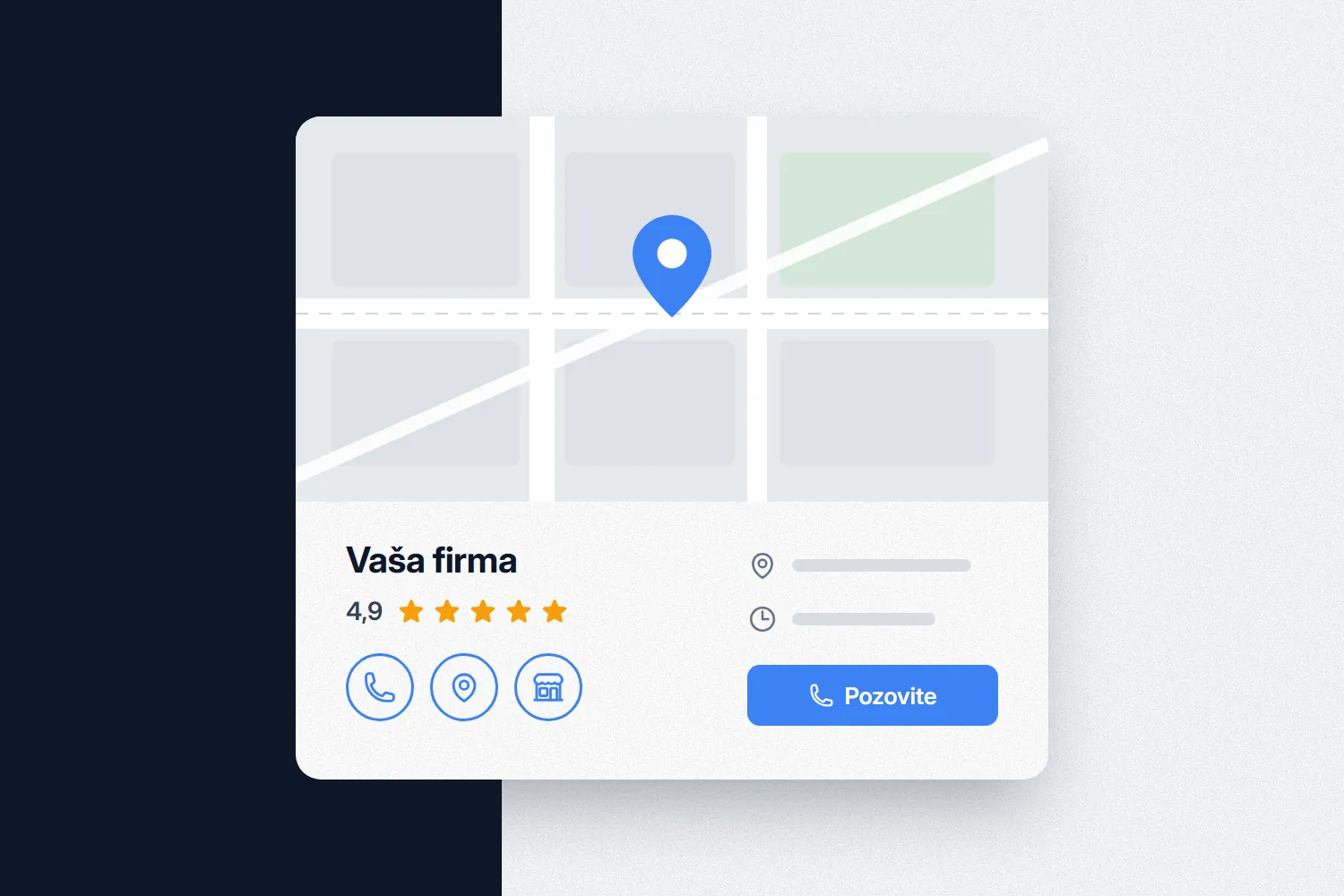
For many local businesses in Serbia the profile brings in calls before anyone opens the website. When someone searches for "plumber Zvezdara" or "dentist near me", Google often shows a map with a few businesses ahead of the regular results, each with buttons to call, get directions and check opening hours. That is where the customer picks who to contact.

You cannot buy a spot on the map. Google states in its help center that there is no way to request or pay for a better local ranking. Ranking comes down to three things: how well the profile matches the search (relevance), how far the business is from the person searching (distance) and how well known the business is (prominence).

You cannot change distance. You can work on relevance and prominence: the right category, complete details, real photos, reviews and a website that backs up what the profile says. Below is the order we work in, with the rules taken from Google's own guidelines.

IT Expert is a Belgrade team that builds websites and does SEO in custom code (Nuxt, Laravel). We look at the website and the profile together, because the name, address and phone number need to match everywhere.

Category, Photos and Reviews: Where to Start

01Category

Pick the most specific category that describes what the business is, not what it sells. Google recommends using the fewest categories needed to cover your core business. A dental practice should choose that category, not a broad one that also covers hospitals and pharmacies.

02Photos

Real pictures of the entrance, the premises, the team at work and finished jobs. A shot of the entrance from the street helps customers find you, and photos of your work show what they will get. Skip stock images and pictures covered in text.

03Reviews

Google says more reviews and positive ratings can help local ranking. The owner's replies matter just as much, because a customer reading reviews sees how the business behaves when something goes wrong.

How to Create a Google Business Profile, Step by Step

How to Create a Google Business Profile, Step by Step

Entering the details is quick; verification takes longer. First check whether a profile already exists: search Google Maps for your business name and city. If you find an unverified profile, use Claim this business instead of creating a new one.

Then open business.google.com/add and enter the business name exactly as it appears on your sign, contracts and invoices. Google does not allow extras in the name: taglines, keywords, phone numbers or neighborhoods. "Auto servis Marković" is fine, "Auto servis Marković Belgrade cheap 24h" is not.

Choose the category, then decide whether customers come to you. If you serve customers at your premises, enter the exact address. If you travel to customers, set a service area by city or municipality and remove the address from the profile. A PO box or a virtual office cannot be the profile address.

Add a phone number that goes directly to that location and is controlled by the business, your website address and customer-facing opening hours. A local number is better than a central call center, and premium-rate numbers are not allowed.

At the end Google offers a verification method: phone or text, email, video recording, live video call or a postcard. Google decides which methods you get and you cannot change them. Once you finish the steps, the review takes up to 5 business days, so use that time to prepare photos and service descriptions.

What to Film for Google Business Profile Video Verification

What to Film for Google Business Profile Video Verification

The verification video is recorded live from your Business Profile on a phone, in one continuous take with no cuts or editing, and it must be at least 30 seconds long. It has to show three things: where you are, that the business exists and that you manage it.

If you have a shop or an office, start on the street. Film a street sign or the building number and the neighboring businesses, then walk to the entrance so the sign with your business name is visible on a permanent fixture: a signboard, wall or window. The name on the sign must match the name in the profile.

Next, show something only an employee can access: unlock the door, open the cash register or storage room, switch on the POS terminal or walk into the kitchen or workshop.

If you work on site at customers' locations and have no premises for visitors, film a street sign or a recognizable landmark where you operate, not an empty field. Then show your tools and equipment and yourself unlocking a branded vehicle or doing the job. Google also accepts a document as proof, such as a business permit or an invoice.

Do not film bank account numbers, tax ID (PIB), company registration numbers or personal documents, and keep other people's faces out of the shot. If the video is not accepted, you can try again with clearer shots of the name and location.

How to Collect Reviews and Reply to Them

How to Collect Reviews and Reply to Them

You get reviews by asking every customer, not only the happy ones. Google lets you ask for reviews, but bans rewards for them (discounts, gifts, free services), asking only the customers you expect to leave five stars and pressuring customers while they are still on your premises.

The easiest way is a link. Your profile has a review link and QR code: put the link in the email you send after finishing a job or in the message with the invoice, and put the QR code on the counter. Do not give staff a review quota, because Google's rules forbid that too.

Reply to every review, praise and criticism alike. Answer a bad review calmly, without the customer's personal details, with the facts and an offer to sort it out directly by phone or email. You are not writing only to the author: everyone who opens the profile later will read it.

Your reply is posted publicly under the business name and the reviewer gets a notification. Google checks replies before publishing, which usually takes up to 10 minutes and sometimes up to 30 days. The customer can edit the review after your reply, so a problem handled well can end with a better rating.

Three Mistakes That Push a Profile Down the Map

01Keywords in the name

Adding a city, a service or a tagline to the business name breaks Google's rules. Such a profile risks suspension, and anyone on Google Maps can suggest an edit that puts the real name back.

02Wrong address

A virtual office, your accountant's address or an address where you do not serve customers. A business that travels to customers removes the address and sets up to 20 service areas within about two hours' drive of its base.

03Bought or fake reviews

Google removes paid ratings, reviews with a conflict of interest and unusual bursts of reviews. Since 2 August 2026 Serbia also applies its new Consumer Protection Law (Sl. glasnik RS, no. 35/2026), which treats publishing reviews from fake consumers as a misleading unfair commercial practice.

Frequently Asked Questions About Google Business Profile

Yes, if you serve customers at their address or deliver to them. In that case remove the address from the profile and set up to 20 service areas by city or municipality. A virtual office or a PO box is not allowed as the address.
Each location gets its own profile with its own address, phone number and opening hours. Google does not allow more than one profile for the same location, and the name should be the same across locations unless it really differs in the real world. On the website, give each location its own page with the same details as the profile.
Report it from your profile or through Google's Reviews Management Tool and choose a reason, such as conflict of interest or spam. The evaluation usually takes several days. If Google finds no policy violation you get one appeal, and a review is not removed just because it is negative.
The profile brings calls, but the website answers what the profile cannot: detailed services, prices and references. Google also uses information from across the web, such as links to your site, to judge prominence. A website with the same name, address and phone as the profile, plus LocalBusiness structured data, keeps your details consistent everywhere.
Once you complete the verification steps, Google's review takes up to 5 business days, and a postcard code usually arrives within 14 days. Service area changes can take up to 48 hours to appear. A better position on the map comes gradually, with reviews, photos and a website, and it cannot be paid for.