Web Hosting in Serbia: How to Choose and What Matters

There is no single best hosting in Serbia, there is hosting that fits your website. For a small business site, check five things: where the server is, how often backups are made and where they are kept, whether you get SSL and current software versions, who responds when the site is down and how you will move the site if you decide to leave. Price matters, but only once these five are clear.

Most business owners pick hosting by price or by recommendation. The problem shows up only when the site goes down on a Friday evening, when it turns out there is no backup or when the hosting company will not hand over the files.

Hosting is the space on a server where your website lives, and often your business email too. The domain is the address, hosting is the place. They are two separate services and do not have to be with the same company.

Below are the criteria we use to look at hosting for clients, without ranking specific companies and without prices, because offers change. At the end is a list of questions you can send to any host before you pay.
Five Criteria for Choosing Hosting

01Server location

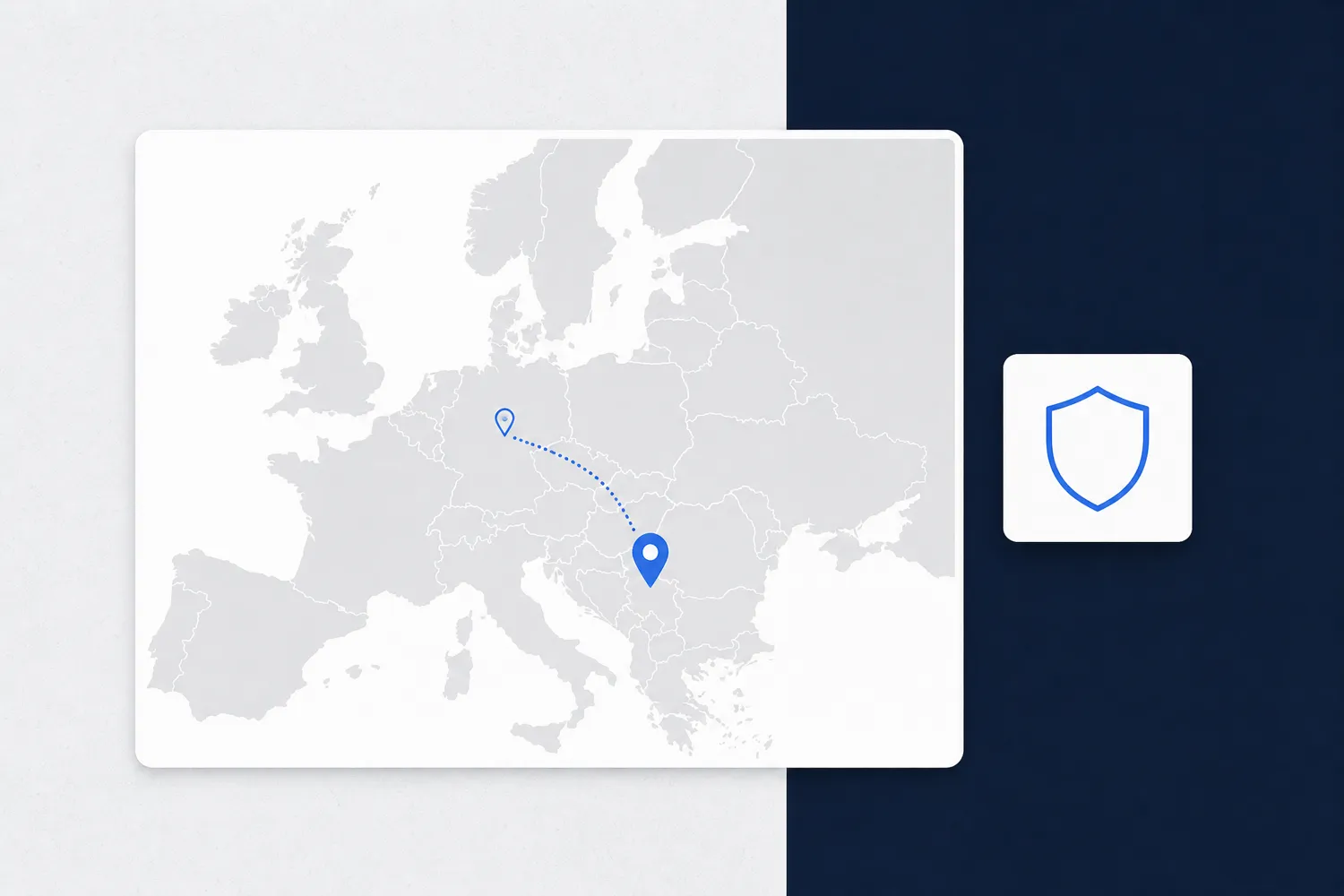
How close the server is to your customers and which country it is in, which matters for speed and for personal data.

02Backups

How often they are made, how long they are kept, whether they are stored away from the site and whether you can restore them yourself.

03Security

Free SSL, PHP and database versions that still get patches, and separation of your site from others on the same server.

04Support

In which language, at what hours and through which channel, and whether someone actually fixes the problem or just forwards the ticket.

05Exit

Whether you get full access to files and the database and can take the site yourself when you decide to leave.

06Resources

How much CPU and memory you actually get, not just how much disk space the package lists.

Shared Hosting, VPS or Managed Server

01Shared hosting

Your site shares a server with many other sites. It is enough for a brochure site with few visitors. If a neighbor on the server uses up the resources, your site slows down too.

02VPS

A virtual server with a guaranteed share of CPU and memory just for you. It gives more control, but someone has to maintain it: patches, firewall, backups. Without that, a VPS is riskier than shared hosting.

03Managed server

A server whose upkeep is handled by the host or by your maintenance team. It makes sense for a web shop, an application or a site with more traffic.

Server Location: Serbia or Abroad

Server Location: Serbia or Abroad

If your customers are in Serbia, a server in Serbia or in a nearby European country shortens the path data travels and the site opens faster. The difference shows on sites with many database queries, such as web shops. For a simple cached site it is smaller.

Location also matters for personal data. If the site collects customer data (forms, orders, accounts) and the server is in another country, that is a transfer of data abroad. Article 64 of Serbia's Law on Personal Data Protection (Sl. glasnik RS, no. 87/2018) states that an adequate level of protection is considered to exist in countries that are parties to the Council of Europe Convention for the Protection of Individuals with regard to Automatic Processing of Personal Data and in countries the European Union has found to provide adequate protection.

Other countries require additional conditions. So ask the host which country the servers are in and where backups are kept, because it may not be the same country.

If the host stores your customers' data on your behalf, Article 45 of the same law requires a written contract with the processor. Ask whether the host offers one.

Backups: How Often, Where and Who Restores Them

Backups: How Often, Where and Who Restores Them

A backup is only worth something if it can be restored. Ask the host three things: how often backups are made (daily is the minimum for a site that changes), how many days back they are kept and whether they sit on another server or in another data center.

A backup on the same server as the site does not protect you from that server failing. Nor does it protect you from an attack in which the attacker gains access to both the files and the backup.

Check whether you can restore a backup yourself from the control panel or have to write to support and wait. When the site is infected on a Friday evening, that difference is the whole weekend.

Do not rely on the host's backup alone. A copy of the site and database somewhere else, outside the hosting company, is the only protection if the host goes out of business or closes your account.

Security: SSL, Patches and Separate Accounts

Security: SSL, Patches and Separate Accounts

You should not have to pay extra for an SSL certificate (https) for an ordinary website today. Free certificates such as Let's Encrypt are supported by many hosts and can renew automatically. Check that the host handles this on its own.

Ask which PHP and database versions are offered and how quickly the host moves to new ones. A version that no longer receives security patches is an open door, even if the site itself is well written.

With shared hosting it matters that the sites on a server are isolated from each other. If one site is infected, it must not gain access to your files.

The host secures the server, not your website. Updating the CMS, plugins and your own code is the job of whoever maintains the site, and it should happen as soon as a patch is released, not once a month.

Support: Who Answers When the Site Is Down

The best time to test support is before you buy. Send a technical question by email or ticket and see how fast and how well they answer. A "we will look into it" after two days tells you more than any promise on the host's website.

Ask whether support works on weekends and at night, whether there is a phone line or only tickets, and whether you talk to someone who can fix the problem or someone who only passes it on.

Local hosting usually offers support in Serbian and in the same time zone. Foreign hosting often has stronger infrastructure but support in English. Neither is a rule, so check the specific company.

Speed: What Hosting Can and Cannot Do

Speed: What Hosting Can and Cannot Do

Hosting decides how fast the server answers the first request. Everything after that, image sizes, the number of scripts and plugins, depends on how the site was built.

A slow site on a fast server stays slow. Before you pay for a bigger package, measure the site with a tool such as PageSpeed Insights and see where the time goes: on the server or in the site itself.

Packages with "unlimited" space and traffic often have CPU and memory limits that only appear in the terms of service. For speed those limits matter more than disk space.

If the site grows, good hosting lets you move to a bigger package without migrating the site and without downtime.

How to Leave a Host Without Trouble

How to Leave a Host Without Trouble

Choosing a host is also choosing how you will one day leave it. Check that you have full access to files (FTP or SSH) and the database and can make a complete copy yourself.

The hosting account should be in your company's name, with your email, just like the domain. If an agency rented hosting in its own name, you depend on its goodwill when you part ways.

If the domain and hosting are with the same company, moving the site is more complicated. When they are separate, you only change DNS records and the domain stays where it is.

Before signing, look at the notice period and what happens to your data after cancellation: how long it is kept and whether it is deleted on your request.

Questions to Ask a Host Before You Pay

Email these questions to every company you are considering. Written answers are better than marketing tables, and the speed of the reply is already a support test.

If you are not sure how to judge the answers, send them to us. After a consultation you decide whether IT Expert or someone else runs your site and hosting.

  1. Which country are the servers in, and where are backups stored?
  2. How often are backups made, how many days are kept and can I restore them myself?
  3. Is SSL free and does it renew automatically?
  4. Which PHP and database versions do you offer and when do you retire old ones?
  5. How much CPU and memory does my site get and what happens when it runs out?
  6. When is support available, through which channels and in which language?
  7. Do I get full access to files and the database and can I download the complete site myself?
  8. Do you offer a personal data processing agreement?

Frequently Asked Questions About Hosting in Serbia

There is no single best one for everyone. For a small business site, choose hosting with a server close to your customers, daily backups stored elsewhere, free SSL, support that actually answers and full access to files and the database.
For a brochure site with few visitors, shared hosting is usually enough. A VPS makes sense for a web shop or an application, but only if someone maintains the server regularly: patches, firewall and backups.
No. A server closer to customers makes pages a little faster, and for personal data the law considers protection adequate in countries that are parties to Council of Europe Convention 108 and in countries the EU has assessed as adequate. Other countries require additional conditions.
No, and it is often better if they are not. When they are separate, leaving a host only means changing DNS records, and the domain stays with its registrar and in your name.
Prices vary by hosting type and resources and change often, so we do not list them here. Compare offers by the criteria in this article, and for hosting together with website development and maintenance see our packages.