Website Redesign: When It Pays Off and When a Fix Is Enough

A website redesign pays off when the site does not work well on phones, when the system or theme can no longer be safely updated or when the site describes the business as it was five years ago. If the foundation is sound and the problems are specific, a fix is enough.

A website redesign means building a new structure, design and often a new technical foundation for a site that already exists. A fix keeps the site as it is and solves what specifically gets in the way: speed, errors, outdated text or images.

The usual mistake goes both ways. Some owners keep patching a site that has not been updatable for years, so every patch costs more than the last. Others order a brand new site because they dislike the color, and carry the real problem, slow hosting, over to the new site.

Below is a comparison of a fix and a redesign, the signs that tell you which you need, five questions to decide and how to keep a redesign from hurting the rankings your site already has on Google.

IT Expert is a team from Belgrade that does both redesigns and website maintenance. After a consultation, you choose what to do and who does the work, us or someone else.

Fix or redesign: a comparison

01When it makes sense

Fix: the foundation is up to date, problems are specific and countable. Redesign: the foundation is outdated, the site does not work on phones or the business has changed.

02What changes

Fix: speed, errors, texts, images, individual pages. Redesign: structure, design, technical foundation, often content too.

03How long it takes

Fix: shorter, the work is done on the existing site. Redesign: longer, it goes through planning, design, build and migration.

04Risk to Google rankings

Fix: low, page URLs stay the same. Redesign: exists if URLs change, handled with 301 redirects.

05Cost

Fix: you pay for a specific job. Redesign: higher, because it includes a new foundation.

06What you get

Fix: the same site without the problems that bothered you. Redesign: a site that fits today's business and can keep growing.

A fix is enough

A fix is enough when the site basically works and the details are what bother you.

  • The site is slow, but the system and plugins are up to date
  • Texts, prices or images are outdated
  • A form or a page does not work
  • You need a page for a new service
  • It works on phones, but some parts look bad

A redesign pays off

A redesign pays off when the problem is in the foundation, so every fix only postpones the same conversation.

  • The site does not work properly on phones
  • The system, theme or plugins can no longer be updated
  • Every small change takes days or breaks something
  • The business works differently than when the site was built
  • Customers cannot find what they need and the structure cannot fix that
What can be fixed without a redesign

What can be fixed without a redesign

More can be fixed without a redesign than most owners expect: speed, security, outdated content, individual pages and broken forms. The condition is that the foundation is up to date and someone knows how the site was built.

Speed is usually fixed by resizing images, removing extra plugins and caching. Outdated content is replaced without touching the design. A new service gets its own page in the existing layout.

A fix also makes sense as a first step. If you are not sure you need a redesign, sort out what bothers you most and track the results for a few months. The data afterwards shows more clearly whether the problem is solved or just postponed.

When a site has regular maintenance, the need for a redesign comes later, because the foundation is updated all the time rather than once every few years.

The site does not work on phones: the clearest sign for a redesign

The site does not work on phones: the clearest sign for a redesign

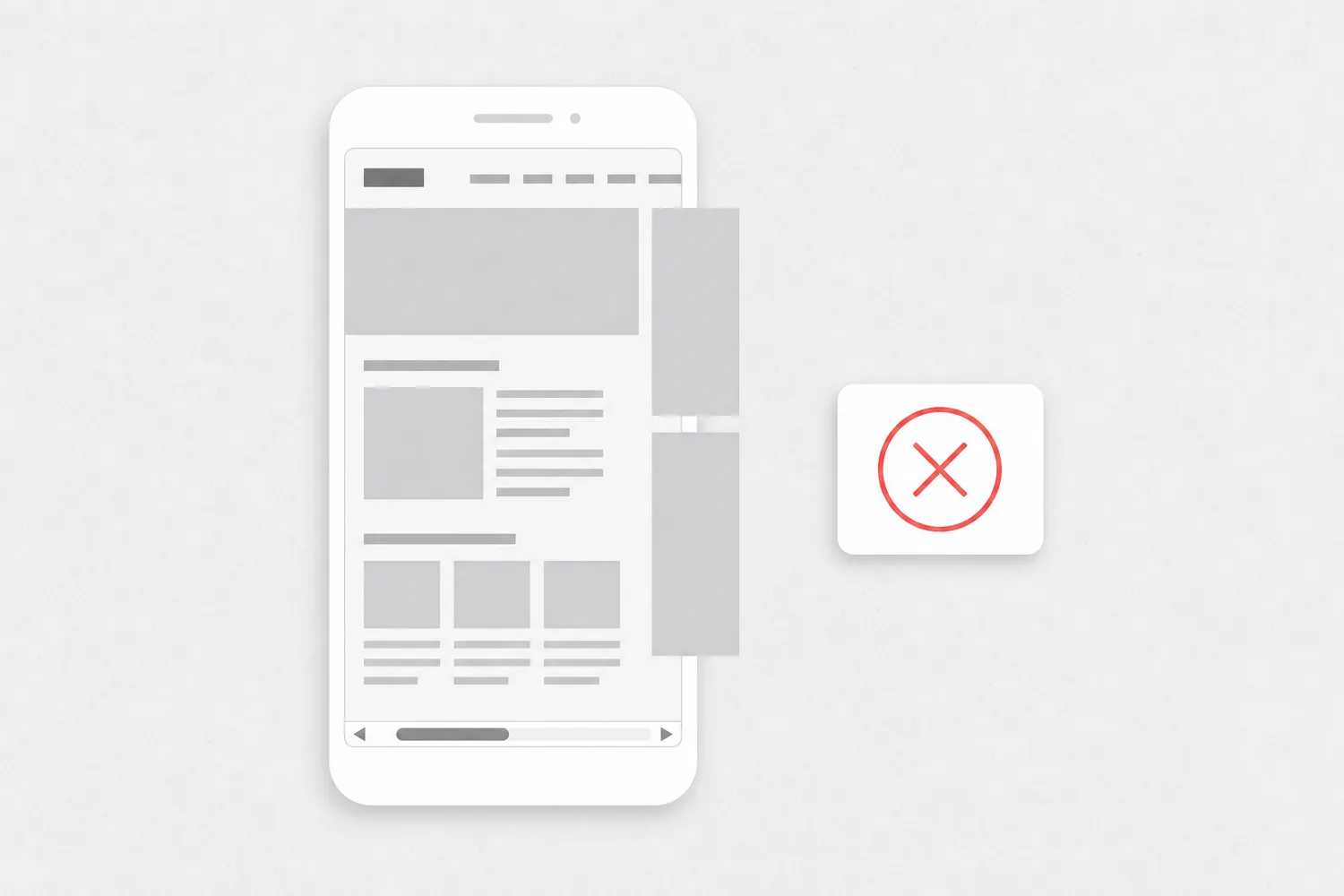
If the site does not work well on phones, that is the clearest sign you need a redesign rather than a fix. A site that needs zooming on a phone, has text too small to read or a section running off the screen was built for desktop, and that is not fixed by adding one setting.

Google indexes sites by their mobile version first. On its Search Central blog, Google announced on October 31, 2023 that the move to mobile-first indexing was complete. What a visitor cannot see on a phone, Google has a hard time seeing at all.

Check it yourself: open the site on a phone and try to find the phone number to call, the price of one service and the contact form. If that takes zooming or more than a few seconds, the same happens to your customers.

How to decide: five questions

How to decide: five questions

The five questions below cover most decisions. If you answer yes to two or more, a conversation about a redesign makes sense.

If all the answers are no and you still do not like the site, you probably need better content and images, not a new site.

  1. Does the site need zooming on a phone or have parts running off the screen?
  2. Have the system, theme or plugins gone unupdated for years because something would break?
  3. Does a small text change mean calling a developer and waiting for days?
  4. Does the site describe services you no longer offer or leave out ones you do?
  5. Do customers phone to ask things they should find on the site?
How to redesign without losing Google rankings

How to redesign without losing Google rankings

A redesign does not have to hurt rankings if page URLs stay the same or every old URL is permanently redirected to the new one with a 301 redirect. Rankings usually drop when URLs change and the redirects are forgotten.

Before the redesign, make a list of all existing URLs and mark the ones that bring visits. You do not delete those pages without a replacement: they either keep the same URL or redirect to the closest new page.

Do not drop content that ranks just because it does not fit the new design. Text can be shortened and rearranged, but if it disappears, so does the reason the page was in the results.

After launch, watch the indexing report in Search Console and 404 errors. Short ranking swings after a big change are normal, while a sharp drop usually means some old URL was left without a redirect.

Decide on data, not on impressions

Decide on data, not on impressions

The best redesign decision comes from data, not from the feeling that the site is old. A site you are tired of can work perfectly well, and a site you like can be losing customers on phones.

In Google Analytics 4, look at where visitors come from, which devices they use and on which page they leave. In Search Console, look at which searches show your site and which pages bring clicks. Those pages are valuable in a redesign too.

If you do not have that data, the first step is to turn it on and wait a few weeks. A redesign without measuring before and after leaves you with no answer to whether the new site is better than the old one.

How much does a website redesign cost

The price of a redesign depends on the number of pages, whether the technical foundation changes too and how much content needs to be rewritten or moved. Indicative prices are on the Packages page, and we explain what drives the price of a website in How much a website costs.

Frequently asked questions about website redesign

There is no rule in years. A redesign makes sense when the foundation can no longer be updated, when the site does not work on phones or when the business has changed. A regularly maintained site can last longer than one nobody touches.
Not necessarily, if page URLs stay the same or every old URL is permanently redirected to the new one (301), and if content that ranks does not disappear. Rankings usually drop because of forgotten redirects.
Yes. A redesign changes the site, not the domain, and email addresses do not depend on how the site looks. When moving to new hosting, the email settings are kept the same so messages do not stop arriving.
A redesign is really a new site for an existing business, with an advantage: the content, URLs and visit data already exist. The price depends on scope, and indicative prices are on the Packages page.
Sometimes: first the home page and the most visited pages, then the rest. That makes sense when the foundation is up to date. If the whole system changes, a staged move usually takes longer and costs more than one planned switch.