Computer Maintenance for Businesses: What a Monthly Plan Covers

Monthly computer maintenance for a business covers system and software updates, antivirus and backup checks, disk health and free space, staff accounts and passwords, printers and the network, and remote help when something gets stuck. Good maintenance is not done once a month: computers are monitored every day and patches go on as soon as they are released.

An office computer rarely stops all at once. First it slows down, then one program starts throwing errors, then the printer drops off the network just when a quote has to go out. When nobody looks after it, the small things pile up until one morning work stops.

This article is a list of what monthly maintenance should include, no matter who does it. It will help you compare offers and know what to ask before you hand your computers to someone.

After a consultation you decide whether IT Expert or someone else does the maintenance. The list applies either way.
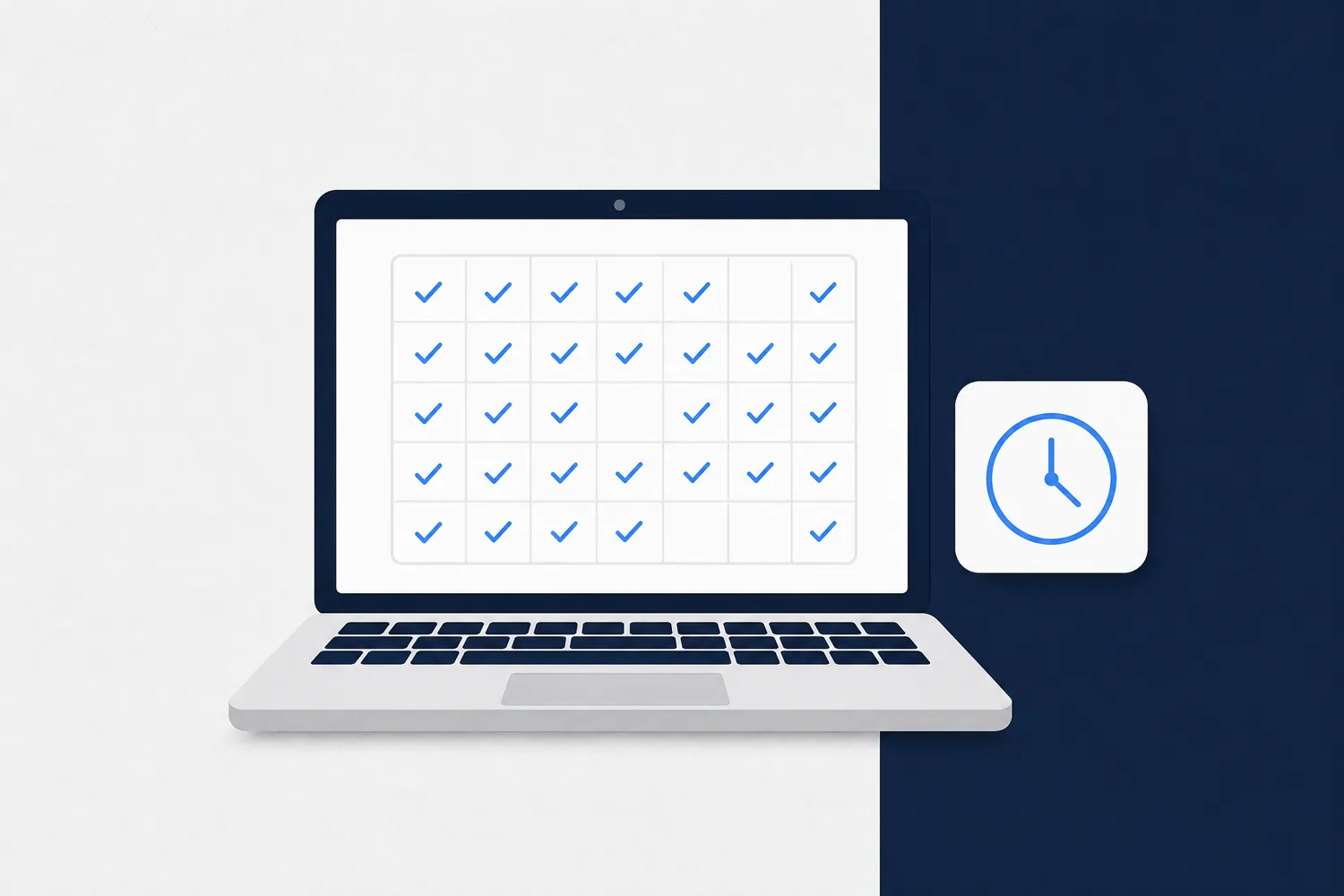
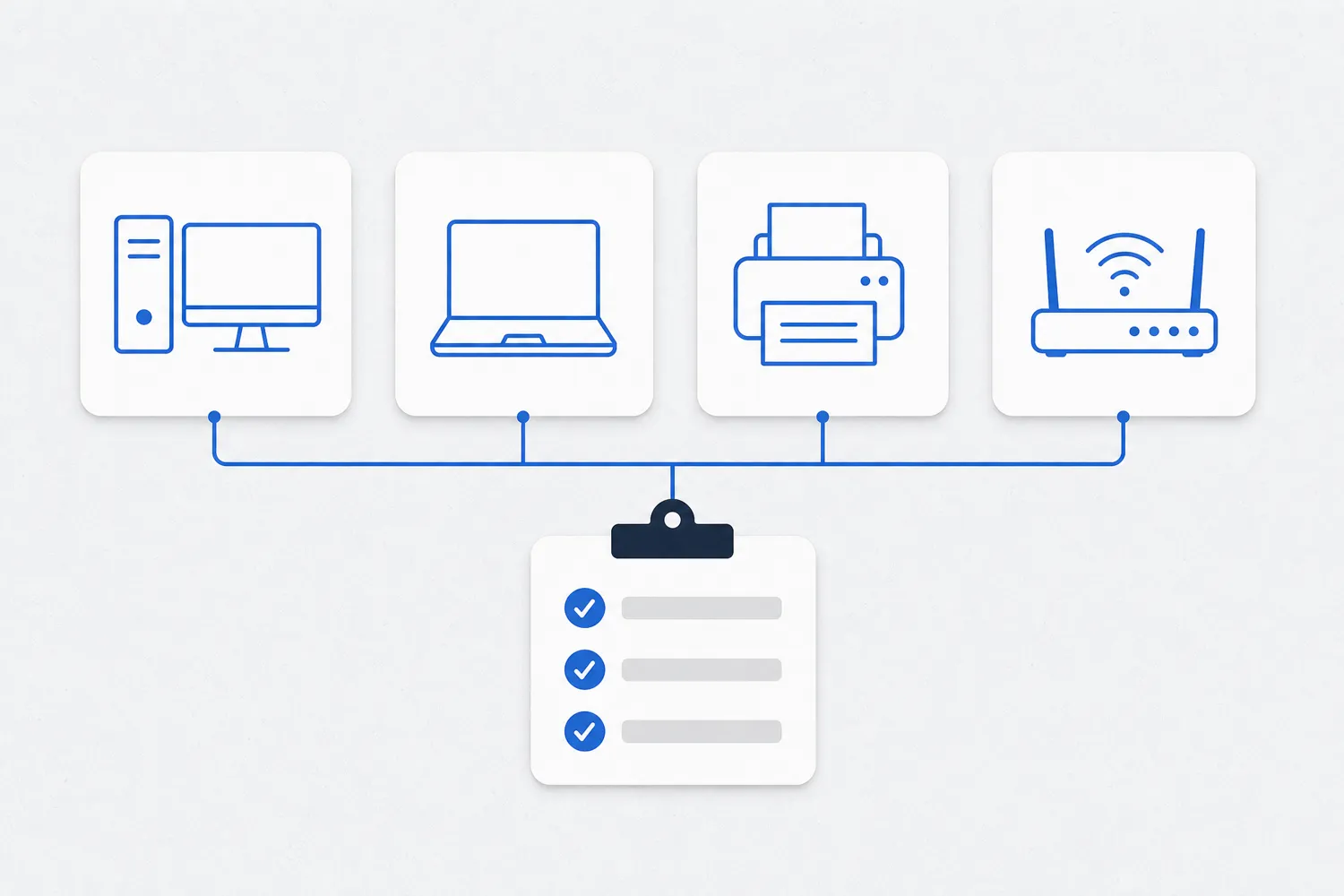
What Monthly Computer Maintenance Includes

01Updates

Windows, Office, the browser and other programs get security patches. They are installed as soon as they come out, not when someone finds the time.

02Virus protection

A check that antivirus is on and up to date on every computer, and what it has found.

03Backups

A check that the backup ran, and from time to time that a file can actually be restored from it.

04Disk and space

Disk health and free space are monitored, because a full or worn disk often signals a failure before it happens.

05Accounts and passwords

A new hire gets an account on day one, and someone who leaves loses access the same day. Where possible, two-step login is switched on.

06Printers and network

The router, Wi-Fi, network printer and shared folders are checked along with the computers, because work stops when the computer is fine but the network is not.

Why Computers Are Monitored Daily, Not Monthly

Why Computers Are Monitored Daily, Not Monthly

A monthly plan does not mean someone looks at the computers once a month. Patches come out when a vendor finds a flaw, and attackers look for computers where the patch is not installed yet. If a patch goes on at the end of the month, the computer stays open to a known flaw for weeks.

That is why maintenance runs as daily monitoring. A device management tool reports when an update fails, when antivirus stops running or when a disk fills up, and it gets fixed the same day.

Once a month there is a review: what was done, which computer is causing trouble and what should be replaced. That is when you decide on bigger things together, such as a new computer or a license.

Ask whoever offers you maintenance how they find out that something is not working. If the answer is "when you call us", that is break-fix repair, not maintenance.

Month One: An Inventory of Equipment, Licenses and Accounts

Month One: An Inventory of Equipment, Licenses and Accounts

Maintenance starts with an inventory. You cannot maintain what nobody knows exists: an old laptop in the storeroom, a router set up by the previous technician, a former colleague's account that still has access to email.

The inventory lists every computer and laptop, printers, the router and Wi-Fi, network drives, software licenses and all accounts: email, the accounting program, banking apps and supplier portals.

Admin passwords, a network diagram and who uses what are recorded with it. That information belongs to the business and must be available to you, not only to the technician.

After the inventory, the urgent things come first: computers without patches, antivirus switched off, a backup that does not run and a shared password half the office knows.

Remote Help: What Gets Fixed Without a Visit

Remote Help: What Gets Fixed Without a Visit

Most everyday problems are solved remotely: a program that will not start, email that does not arrive, a printer that has dropped off the network, a new account or a forgotten password. The employee reports it, the technician connects to the computer with their permission and fixes it while they watch.

A disk or a power supply cannot be replaced remotely. A hardware fault means a repair shop or a replacement, and maintenance should warn you in time that a part is wearing out.

IT Expert works remotely and has no premises for walk-in clients. If your business needs someone on site every day, a good setup is a combination: a person in the office for physical tasks and outside support for everything else.

Ask how fast someone responds when work stops and whether that is written in the offer. A response time that was only promised verbally is not worth much when the printer dies on a Friday afternoon.

What to Check in a Maintenance Offer

What to Check in a Maintenance Offer

Maintenance offers differ most in what they leave out. Before you agree, check these items and ask for the answers in writing:

  • Parts and new devices: included in the price or billed separately.
  • Licenses: who buys them and who tracks when they expire.
  • On-site visits: whether they are possible and how they are charged.
  • Out-of-hours work: nights, weekends and holidays.
  • Website and domain email: who is responsible when email does not arrive.
  • Ending the contract: what you get back, from passwords to documentation.
How to Tell That Maintenance Is Actually Working

How to Tell That Maintenance Is Actually Working

The easiest way is the report. Once a month you should get a short summary: how many computers are up to date, whether the backup ran every day, what was fixed and what is recommended for next month.

The second sign is that you call less. When computers are monitored every day, many problems are fixed before staff notice them.

The third sign is a restore test. At least once every few months someone should restore one file from the backup and confirm it opens. A backup that has never been restored is only an assumption. We show how that works for a small office in the article on the 3-2-1 rule.

Frequently Asked Questions About Business Computer Maintenance

Monitoring should be daily: updates, antivirus and backups are checked automatically and problems are fixed the same day. The review with you and the report come once a month, and physical cleaning and hardware checks as needed.
Most of it can: updates, programs, accounts, email and network printers. A hardware fault, a disk or cable replacement needs someone on site or a trip to a repair shop.
With break-fix you pay only when something breaks, but nobody watches the computers between calls. Monthly maintenance costs the same every month and catches problems earlier. Plans and prices are on the Plans page.
Since 14 October 2025 Windows 10 no longer gets free security updates. Businesses can buy Extended Security Updates (ESU) for up to three years after that date, or move to Windows 11 if the computer meets the requirements.
The business does. The technician uses them, but the equipment inventory, admin passwords and network diagram must be stored where you have access, so you can change technicians without downtime.