Business Data Backup: the 3-2-1 Rule in a Small Office

The 3-2-1 rule means keeping three copies of every important file: the original and two backups, on two different types of media, with one copy offsite. In a small business it usually looks like this: data on computers or a server, an automatic copy on a network drive in the office and an automatic copy in the cloud or on a drive kept at another address.

Most businesses have some kind of backup. The problem is that it is often a single external drive left plugged in next to the computer. When ransomware locks the computer, it locks that drive too. When a burglar takes the laptop, the drive goes with it in the same bag.

The rule is also described in the paper "Data Backup Options", published in 2012 by US-CERT, the US computer emergency readiness team: three copies, two types of media, one copy outside the business premises.

Below is an example office with five computers, step by step, and a schedule that makes copies on its own, without anyone having to remember.
What the Numbers 3, 2 and 1 Mean

01Three copies

The original and two backups. If one backup fails or gets locked, the other remains.

02Two media

For example a network drive and the cloud. The same failure rarely hits two different kinds of device at once.

03One offsite

A fire, flood or burglary at the office must not take every copy at once.

Example: an Office with Five Computers

Example: an Office with Five Computers

Picture an accounting firm with five staff. Work files sit in a shared folder, the accounting program has its own database and email runs on Microsoft 365 or Google Workspace. Those are three places the backup has to cover.

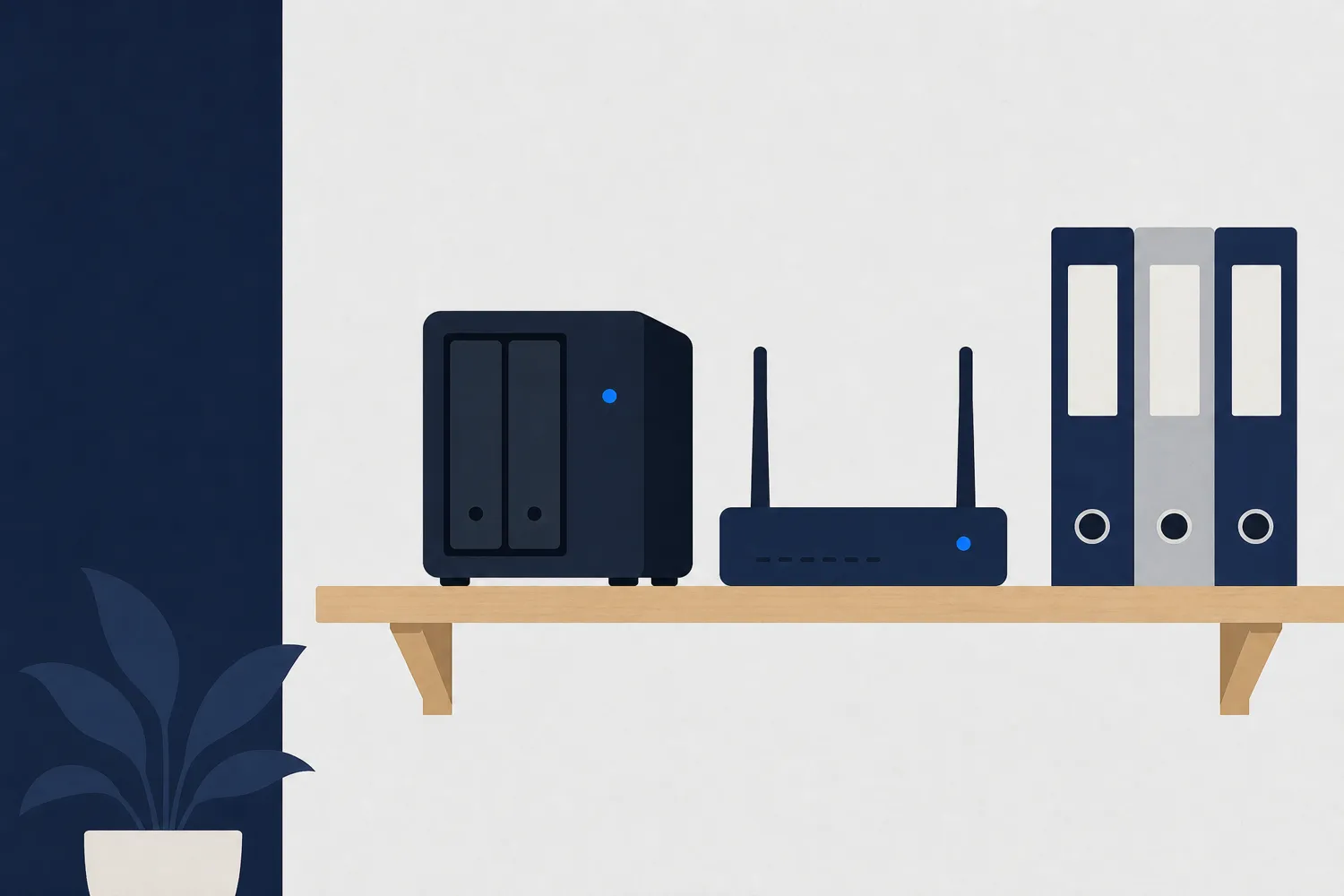
The first copy goes to a network drive (NAS) in the office. Backup software copies the shared folder and the accounting database every night. Restoring from the NAS is fast, so this copy is used when someone deletes a file by mistake.

The second copy leaves the office: encrypted to the cloud, or to a drive that is swapped weekly and kept at another address. The cloud is more practical because it does not depend on someone remembering the swap.

Email and cloud documents keep deleted items only for a limited time. If an employee, or an attacker using their account, deletes mail, it is gone once that period ends. That is why the email account is also copied with a dedicated backup tool.

Add it all up and every important file exists three times, on two types of media, with one copy outside the office. That is 3-2-1.

An Automatic Backup Schedule, from Night Runs to Restore Tests

An Automatic Backup Schedule, from Night Runs to Restore Tests

Automatic backup works only if the schedule is written down and someone checks that it ran. This is the schedule for the example office:

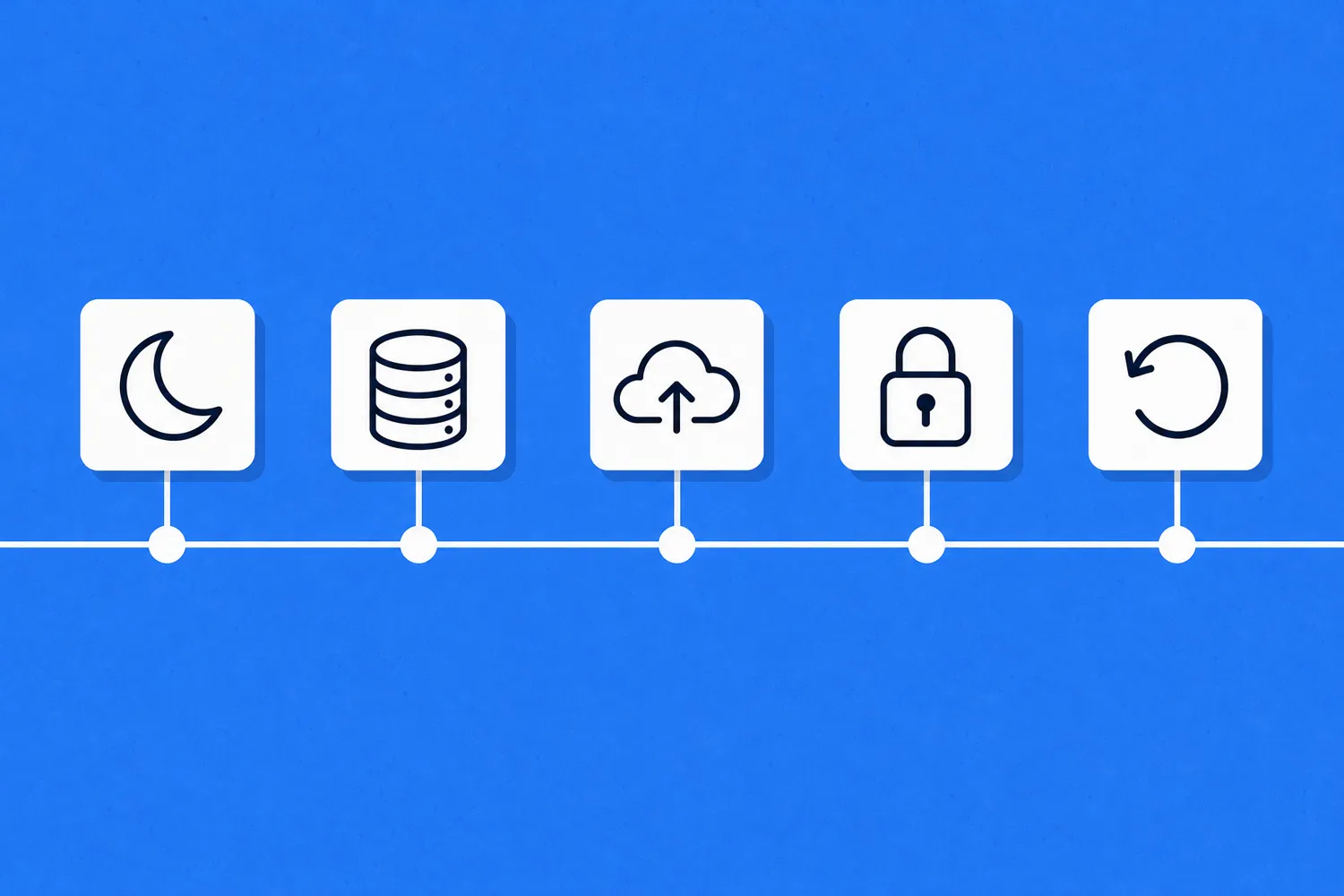
  1. Every night: the shared folder and the accounting database are copied to the NAS.
  2. Every night, afterwards: the NAS sends an encrypted copy to the cloud.
  3. Every morning: a report shows whether the backup ran, and a failure is fixed the same day.
  4. Once a week: email and documents from Microsoft 365 or Google Workspace are copied.
  5. Once a month: one randomly chosen file is restored and checked that it opens.
  6. Twice a year: a full restore of the database or a whole computer, timed from start to finish.
Cloud Backup: Sync Is Not the Same as a Copy

Cloud Backup: Sync Is Not the Same as a Copy

A cloud copy covers the "one offsite" part of the rule without carrying drives around. But not every cloud folder is a backup.

OneDrive, Google Drive or Dropbox that only sync a folder pass on every change: when a file on the computer is deleted or locked, the same change reaches the cloud. A real backup keeps older versions, so you can go back to how things were a few days ago.

Check that data is encrypted before it is sent, that the backup account has two-step login and that its password differs from the computer password. An attacker who gets into the backup account can delete the copies too.

If the files hold personal data, such as staff or client details, Serbia's Law on Personal Data Protection (Sl. glasnik RS, no. 87/2018) lists among security measures in Article 50 the ability to restore availability of and access to the data after an incident. A tested backup is part of that.

The Restore Test: the Only Proof a Backup Works

The Restore Test: the Only Proof a Backup Works

A backup that has never been restored is an assumption. The copy can be empty, corrupted or locked with a password nobody knows, and you only find out when you need it.

The monthly test takes a few minutes: pick a file, restore it to a separate folder and open it. If it opens, write down the date and who tested it.

Twice a year, test a bigger restore: the full program database or a whole computer onto a spare device. Write down how long it took. That number tells you how long the business stands still if the failure comes tomorrow.

In the same guide CISA recommends regularly testing the availability and integrity of backups, including restoring them as if it were a real recovery.

An Offsite Copy Without the Cloud

An Offsite Copy Without the Cloud

If you do not want data in the cloud, you can keep the third copy on two drives that rotate. One stays in the office and receives the copy, the other is at another address. Swap them once a week.

The drive away from the office is not connected to anything, so ransomware cannot reach it. It is a simple way to have a copy that is truly offline.

The weak point is people: someone has to remember the swap. Put the swap in a calendar with a reminder and encrypt the drives, because a drive in a bag is easy to lose.

Three Common Backup Mistakes

01Drive always plugged in

An external drive permanently connected to the computer gets locked by ransomware along with the computer.

02Sync only

A cloud folder without older versions passes on deletions and locked files.

03Nobody reads the report

The backup stops because a disk is full or a password changed, and nobody notices until it is needed.

Frequently Asked Questions About Data Backup

Three copies of your data (the original and two backups), on two different types of media, one of them offsite. The rule is also described in the paper Data Backup Options, published by US-CERT in 2012.
As often as the amount of data you can afford to lose. If the business cannot lose more than one working day, back up every night. If the database changes all day and every hour matters, back up more often.
Sync on its own is not, because it passes on deletions and locked files. It becomes part of a backup only if it keeps older versions long enough and there is another copy that does not depend on the same account.
No. It is one copy, on one medium, in the same place as the original. If it stays plugged in, ransomware locks it along with the computer. It can be part of the setup if it is disconnected and stored separately.
Keep several versions going back, for example daily ones for the last two weeks and monthly ones for the last year, so you can return to a point before a mistake that went unnoticed. Document retention rules also apply, so check them with your accountant.